PDF to Image Converter
Convert your PDF pages to high-quality images
Drag & Drop PDF Files Here
or
Max 10 files (50MB each)
Conversion Settings
Convert PDF pages to high-quality images
PDF Pages Preview
Free PDF to IMAGE Converter online
Convert PDF pages to high-quality images (PNG, JPG, or WebP) instantly. Our free online PDF to Image Converter is fast, secure, and easy to use — no software or sign-up required!
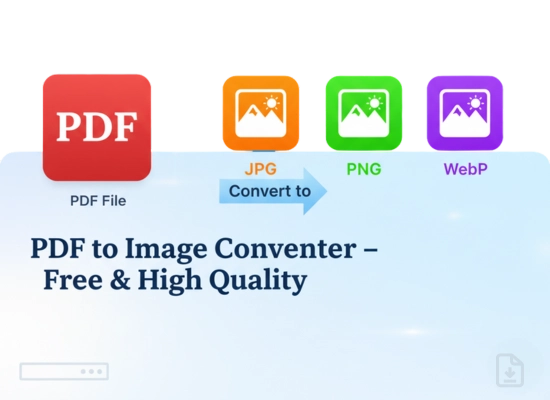
How to Convert PDF to IMAGE with This Tool
1. Upload Your PDF
Drag & drop your PDF files into the upload area or click Select Files.
2. Adjust Settings
Choose your image format (PNG, JPG, or WebP), set quality, and select resolution.
3. Start Conversion
The tool automatically converts each page into a high-quality image.
4. Download Images
Save them individually or download all at once in a ZIP file.
Features of Our PDF to Image Converter
Our PDF to Image Converter is designed to make your document-to-image conversion quick, smooth, and professional.
Batch Conversion
Upload up to 10 PDF files at once and convert them simultaneously. Save time with our powerful multi-file support and ZIP download option.
High-Quality Image Conversion
Convert your PDF pages into crystal-clear images in PNG, JPG, or WebP formats. Maintain text sharpness, color accuracy, and layout integrity — every detail matters.
Real-Time PDF Preview
View the first page preview of your PDF instantly before converting. No surprises — see exactly what your output will look like.
Multiple Format Support
Choose your preferred image format — PNG for transparency, JPG for smaller size, or WebP for modern compression. Switch easily based on your needs.
Safe & Secure Processing
Your files are processed locally in your browser, ensuring 100% privacy and data safety. Nothing is uploaded to any server.
Fast & Free, No Signup Needed
Enjoy instant conversions without creating an account or installing software. It’s completely free to use, anytime, anywhere.
